 COME
COMEReconcile a COME listing, saved file and installed version
A web listing, a saved APK and an installed app can represent different records. Compare all three explicitly before deciding that an update is needed.
Write down each source
Record the listing's version and check date, the local file's known origin, and the installed identifier where visible. Do not copy the listing's version onto an unexplained file merely because the filename is similar.
Find the actual mismatch
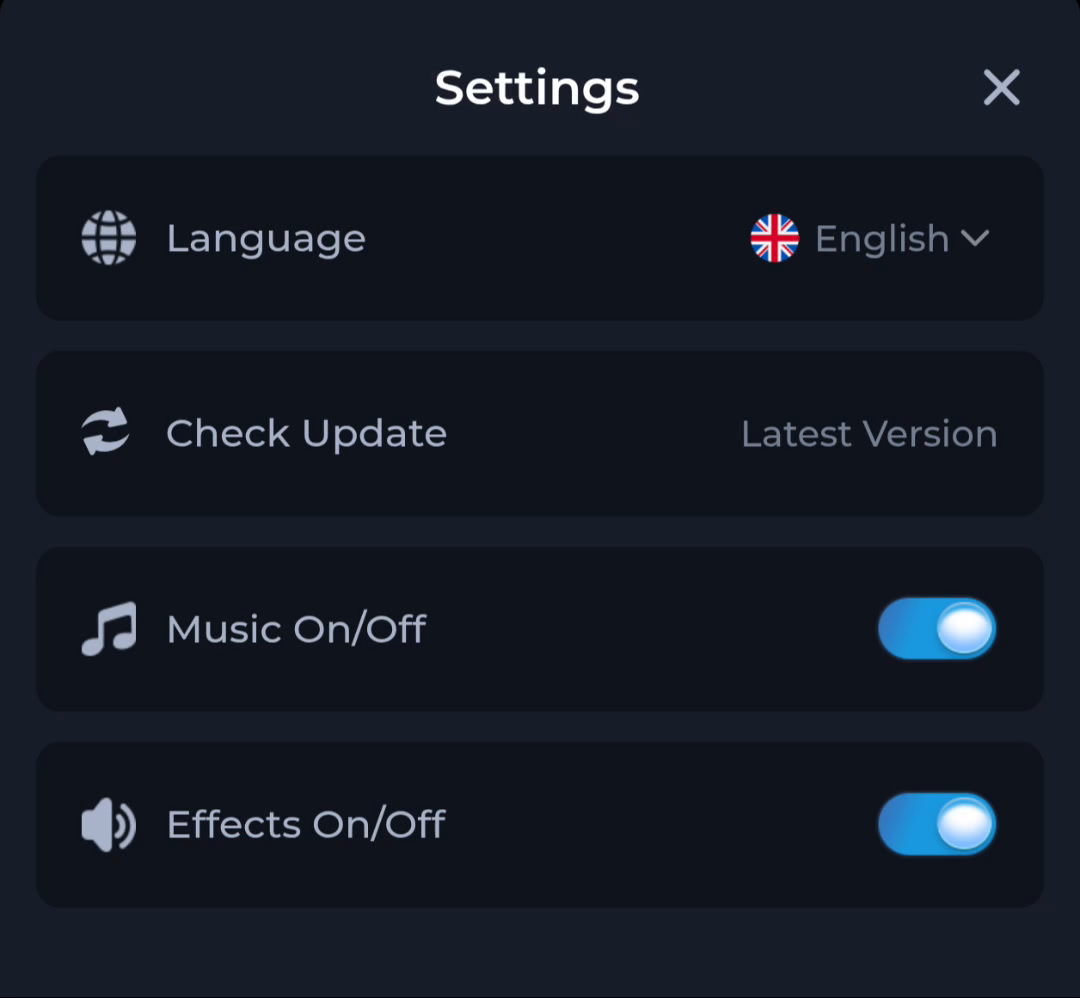
If the installed version differs from the offered release, inspect the current update route. If only a local timestamp differs, there may be no release difference at all. The Settings status Latest Version is not a fourth version identifier.
Preserve the stable state
Keep the current app and recovery access until the proposed file is understood. Stop on an unexpected Android identity or protection warning. Use the service's help route with the three separate observations if necessary.
A useful next step
Choose a next step only after identifying which record actually needs attention.
Related: Compare COME download size with Android app storage