 COME
COMEA task map for the COME menu
Use the menu according to the task: account context, activity records, help, preferences or updates. This keeps file problems separate from in-app questions.
Account and records
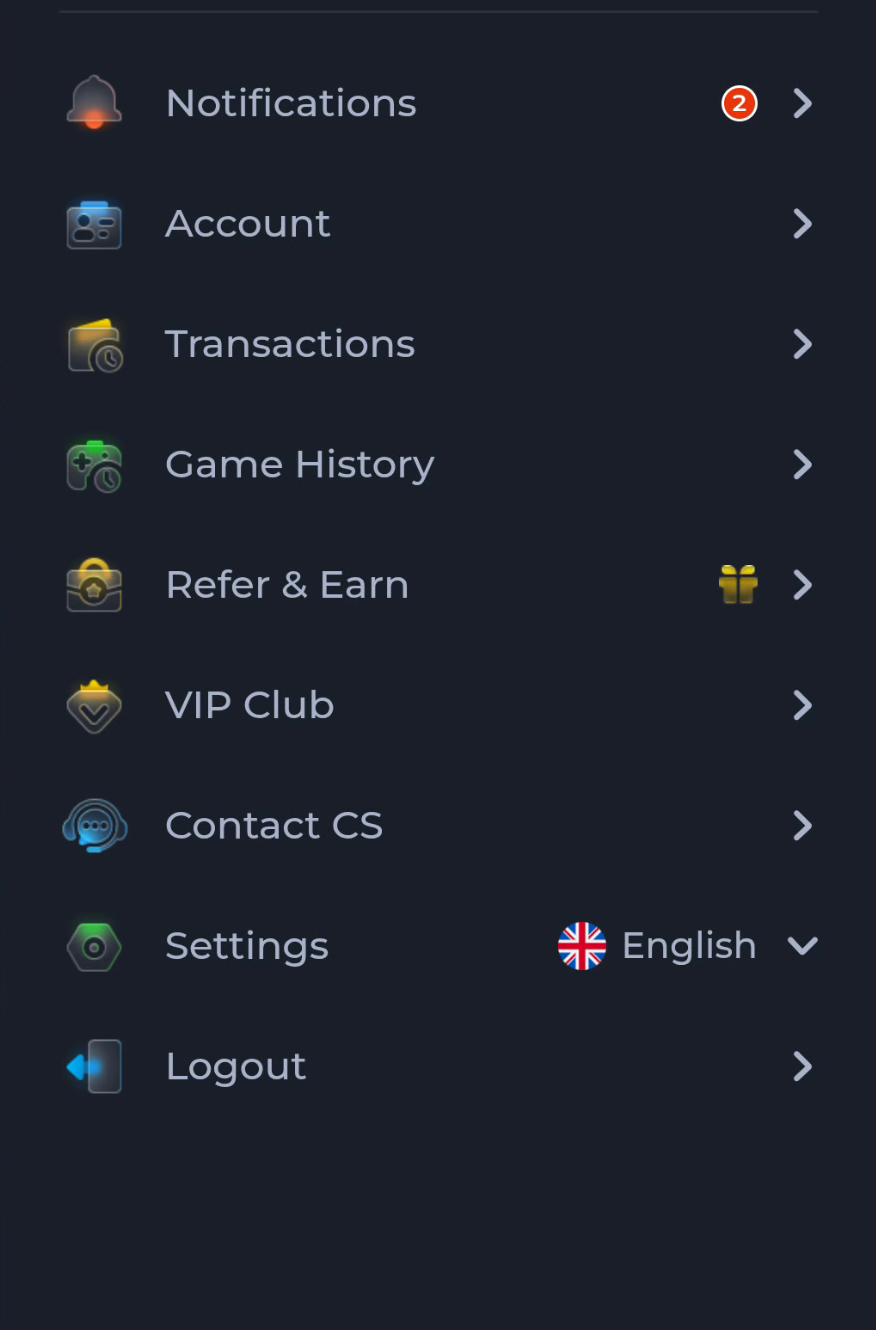
Account, Transactions and Game History are distinct labels in the menu. Choose the one related to the information you need, and check the active account and relevant view before interpreting a missing item.
Help and preferences
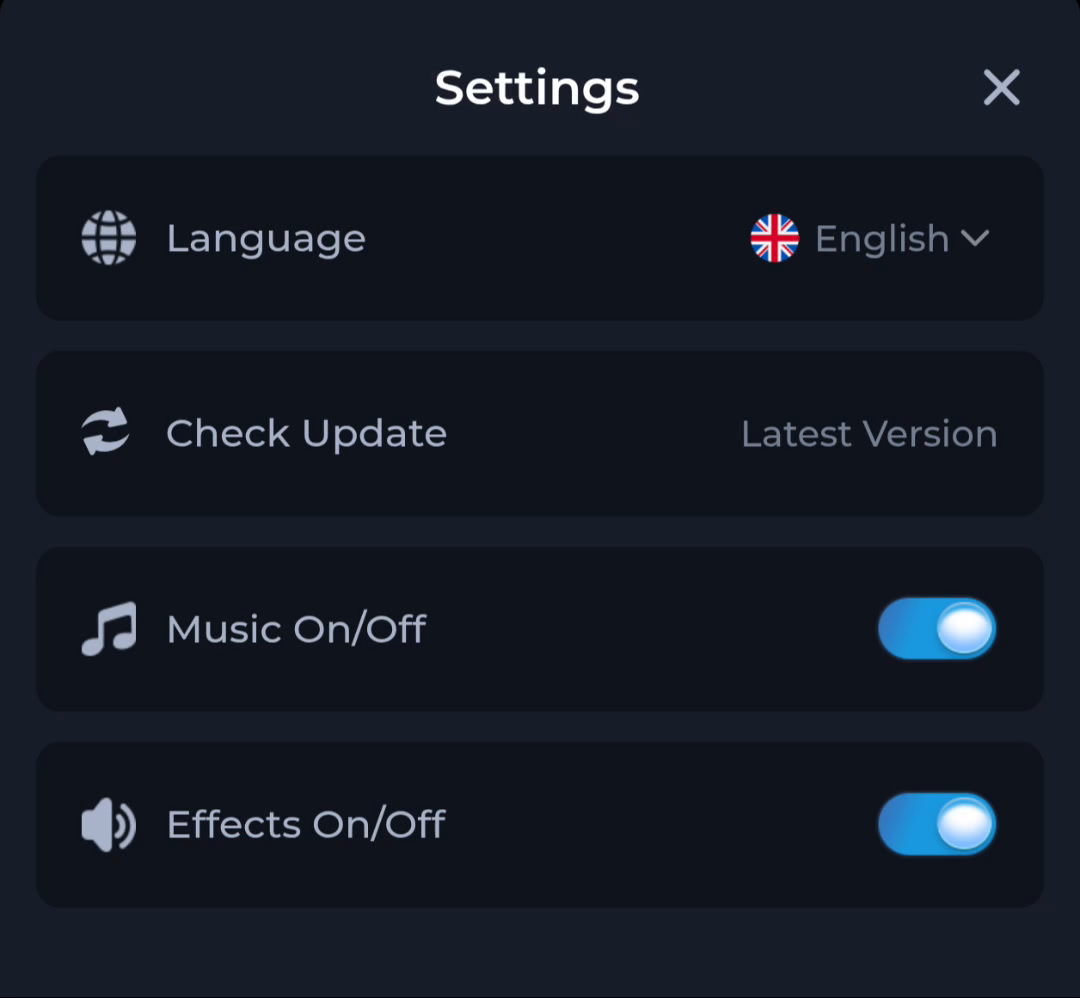
Contact CS leads towards help, while Settings groups Language, Check Update, Music and Effects. A general answer, a submitted request and a changed preference are different outcomes. Look for the current screen's actual confirmation.
Files outside the menu
A saved APK and transfer status belong to the browser or file manager. Android's system information belongs to phone settings. Do not search Game History for an installer or clear account data to refresh a web listing.
A useful next step
Return to the interface that owns the task and perform the next confirmed step.